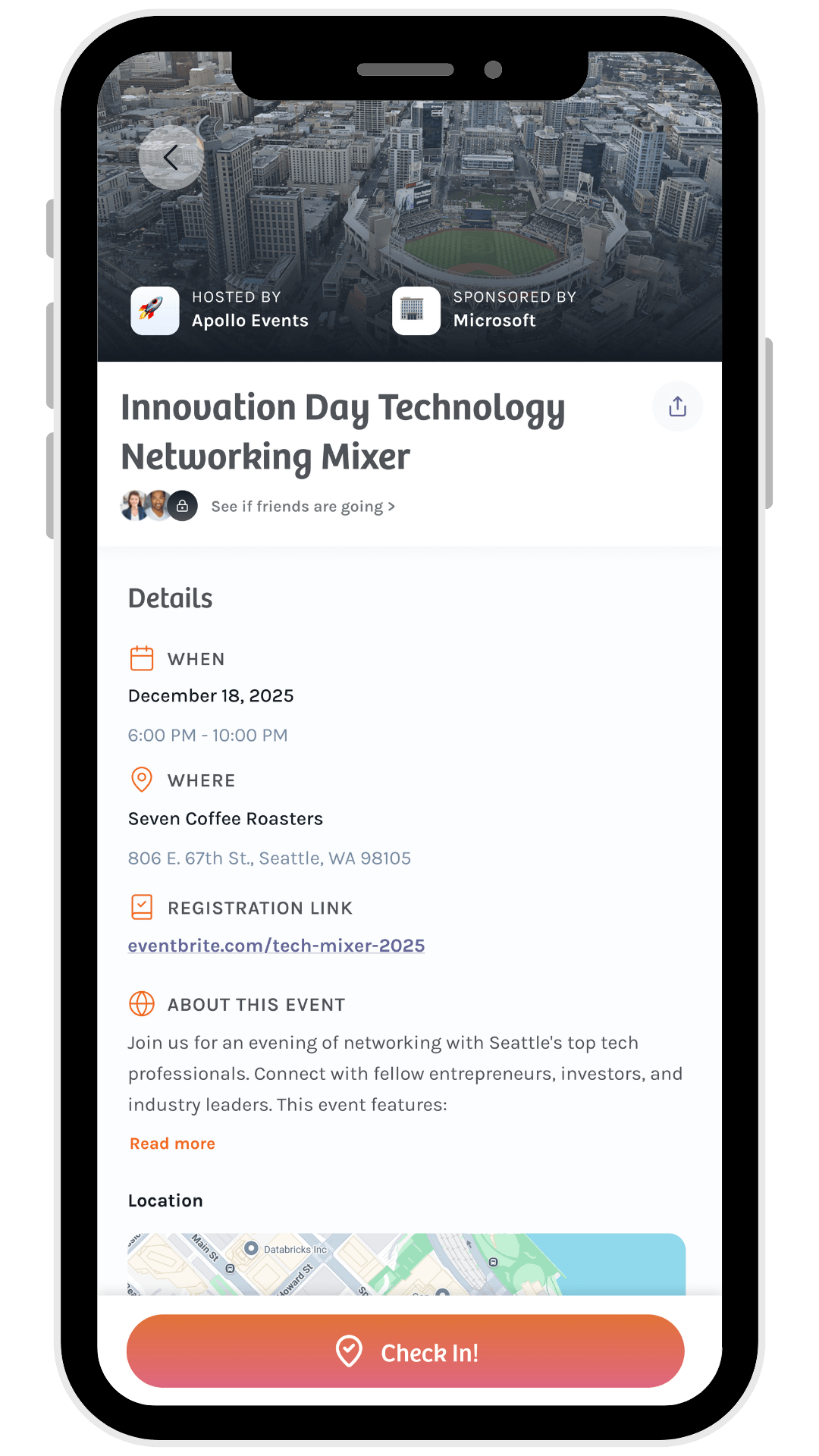

Create your first event with Veery
Veery is perfect for local community and business events with a networking component. Veery offers two event types: ticketed events and open events. Below you will learn how you can simply create both.
- 1. Create Event
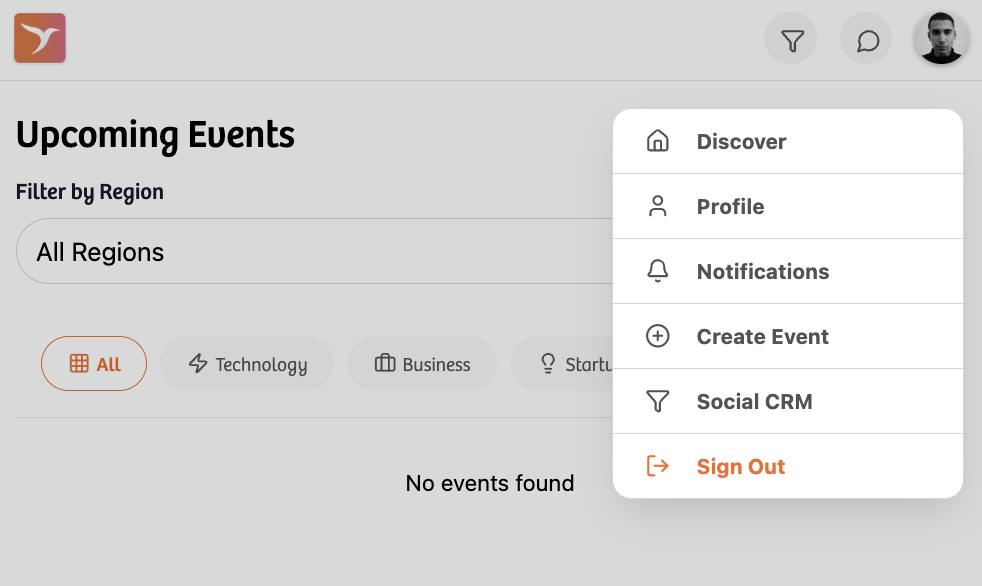
You must have an Event Organizer Veery account to create an event. Navigate to your profile image to “Create Event”. You can also create an event from the company dashboard.
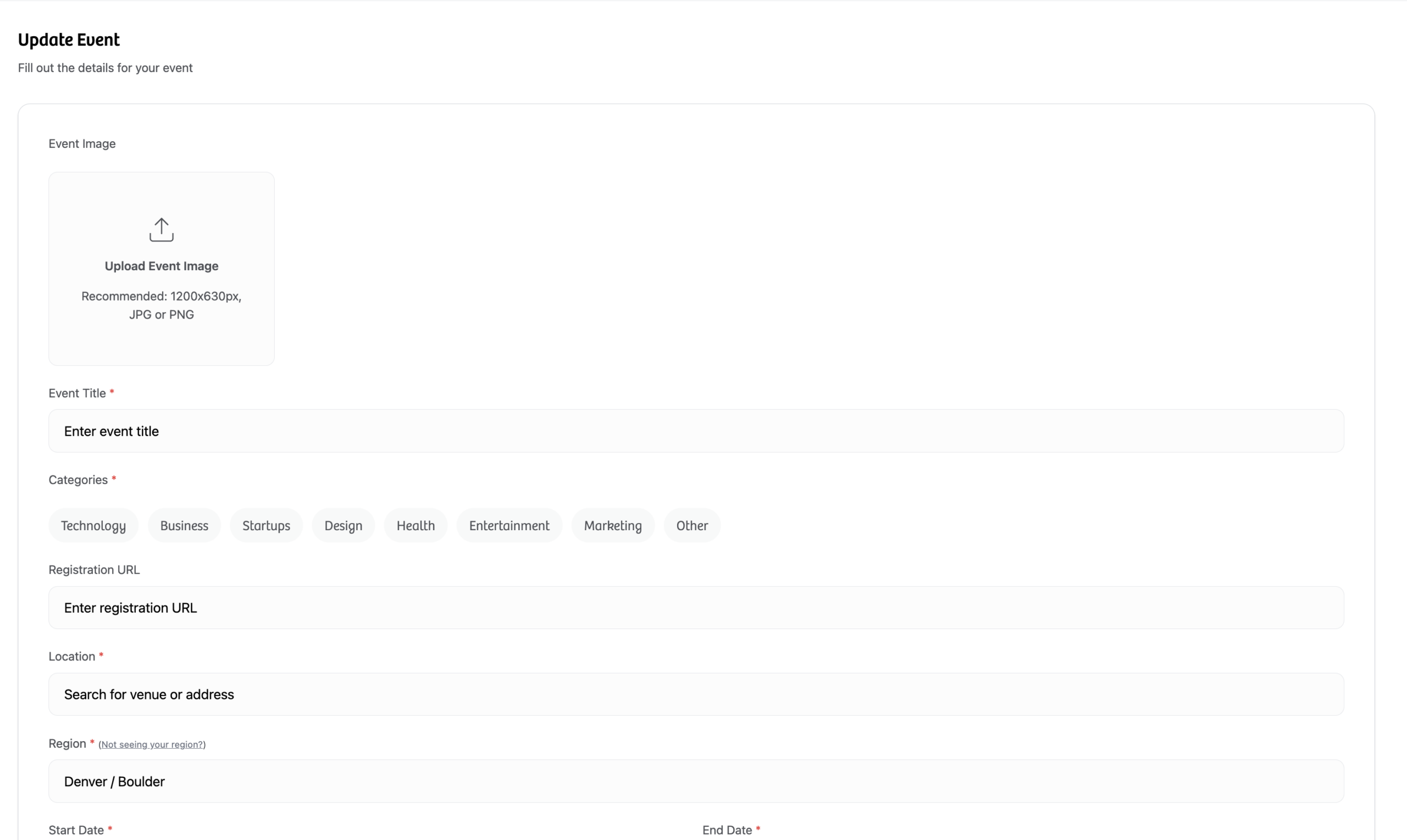
- 2. Enter Details
Upload your event cover image, title, categories, location, date, about content. Veery defaults your event to a ticketed event - meant for traditional guest registration. Remember Veery ticketing can accommodate walk-ups too.
Toggle on "Open Event" only if registration is not required.
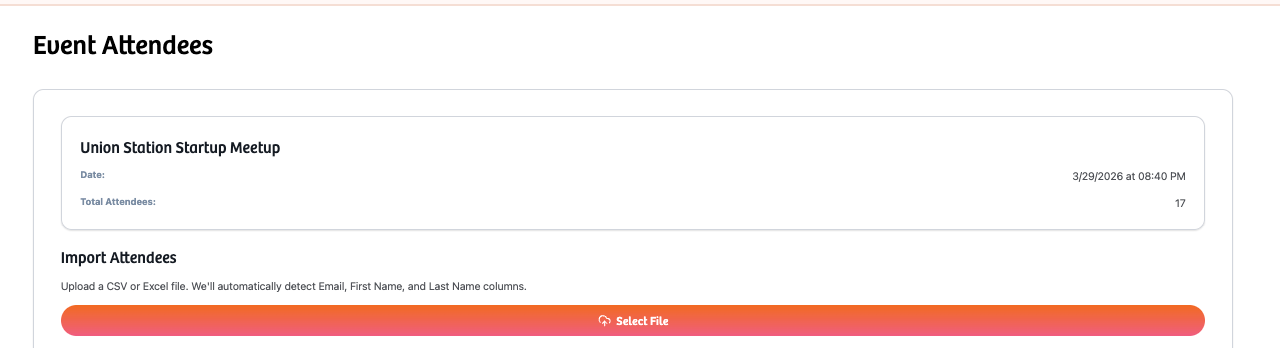
- 3. Upload attendees from any registration platform
Export a CSV or excel file from your registration platform (Eventbrite, Luma, Meetup, Cvent). Import your file to Veery. Make sure the file has the registrant's email.
We recommend creating the event at least 24 hours before doors open. If you create the event earlier, you can always add additional attendees via CSV when editing an event, or direct input walk-ups during the event via the event "Check In" view. The system automatically de-duplicates users if they have already been uploaded.
Done!